¶ How To
Begin with Jobs by typing ‘/jobs’ in-game.
¶ Diving into jobs
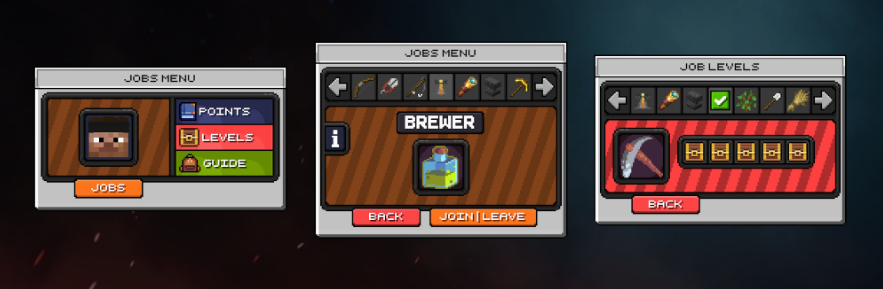
The Jobs Menu is where you control everything about your player profile within Jobs. Here you can choose between browsing for jobs, Pointshop, Level Reward, Guide and Player Stats. The menu has a beautiful design to make it a joy to use.

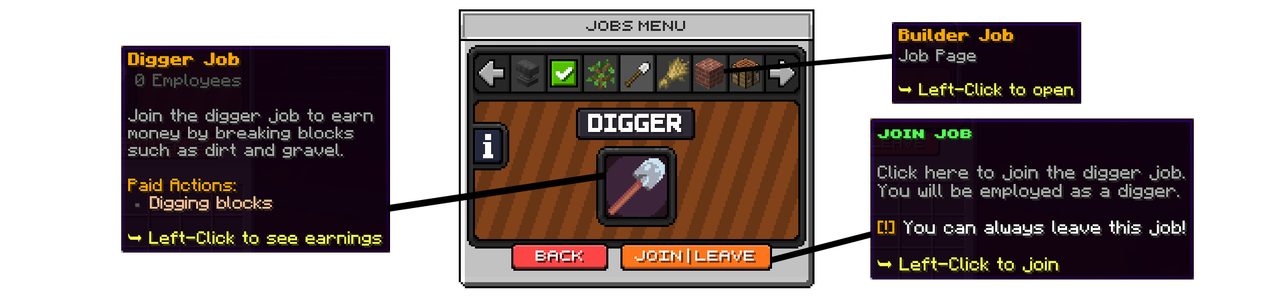
The Jobs browsing menu is where you can find and read about the 12 available jobs. Each has a unique 32x32px icon to symbol the job. Players can Join/Leave each job and enter the Earnings Menu for each job.
When a player has joined a job, it will mark with a green check mark in the navigator row.
¶ List of Jobs
Miner, Lumberjack, Digger, Farmer, Builder, Crafter, Hunter, Shepherd, Fisher, Brewer, Explorer, Blacksmith.
Each job has an earnings menu where you can view how much you earn from each payable action in that job. An example of this menu for the Farmer job can be seen below:
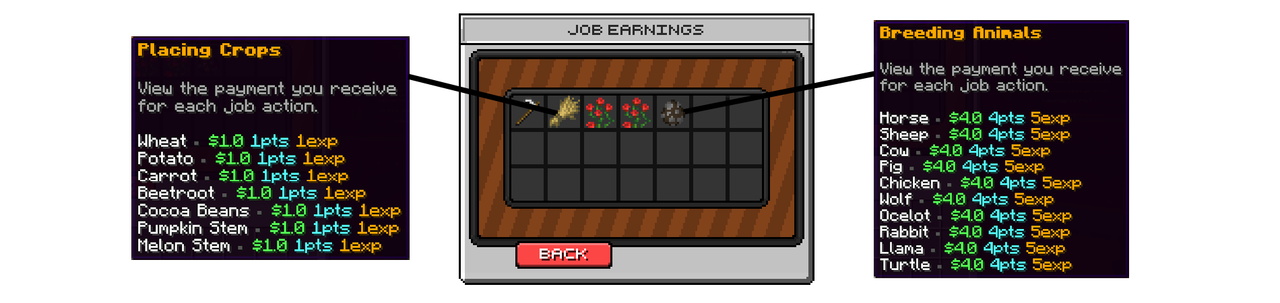
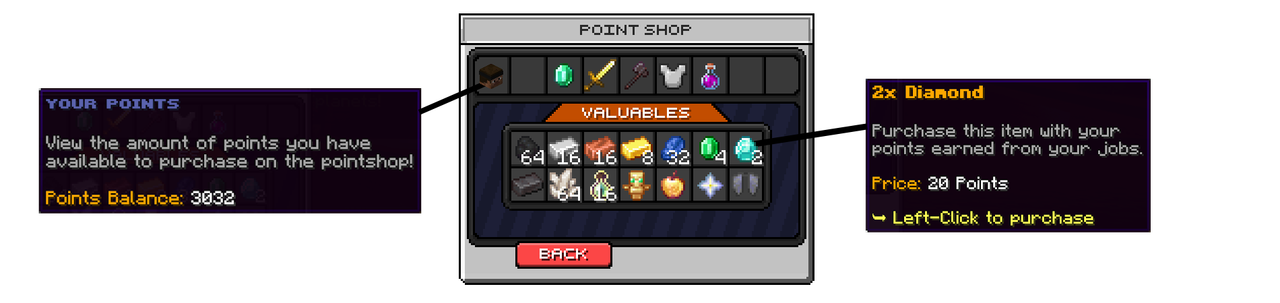
When working in a job, players are rewarded with Money, Points and EXP. The points can be used in the PointShop to buy many different items. The PointShop is totally configurable and made with DeluxeMenus, so you can edit/change anything you like to add your own perks to the PointShop!
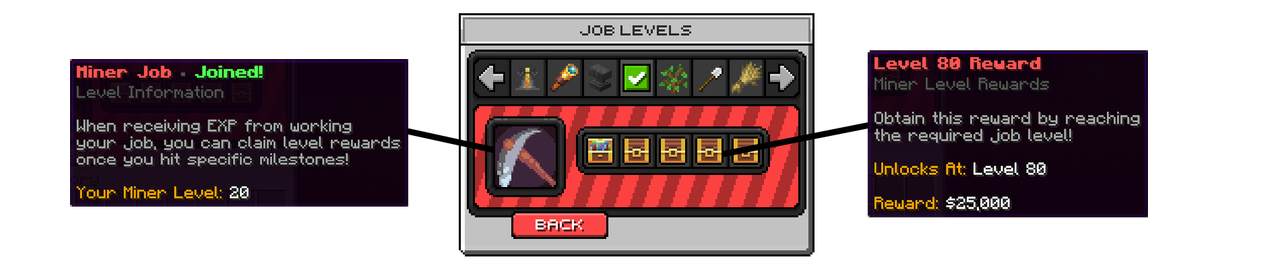
The EXP received when working in a job, leads to increasing job levels. This will both give the players higher earnings in the job and they will unlock rewards in the Level Rewards menu. Each job has 5 reward slots which are totally configurable. As an example, you could add some crate keys from your server!